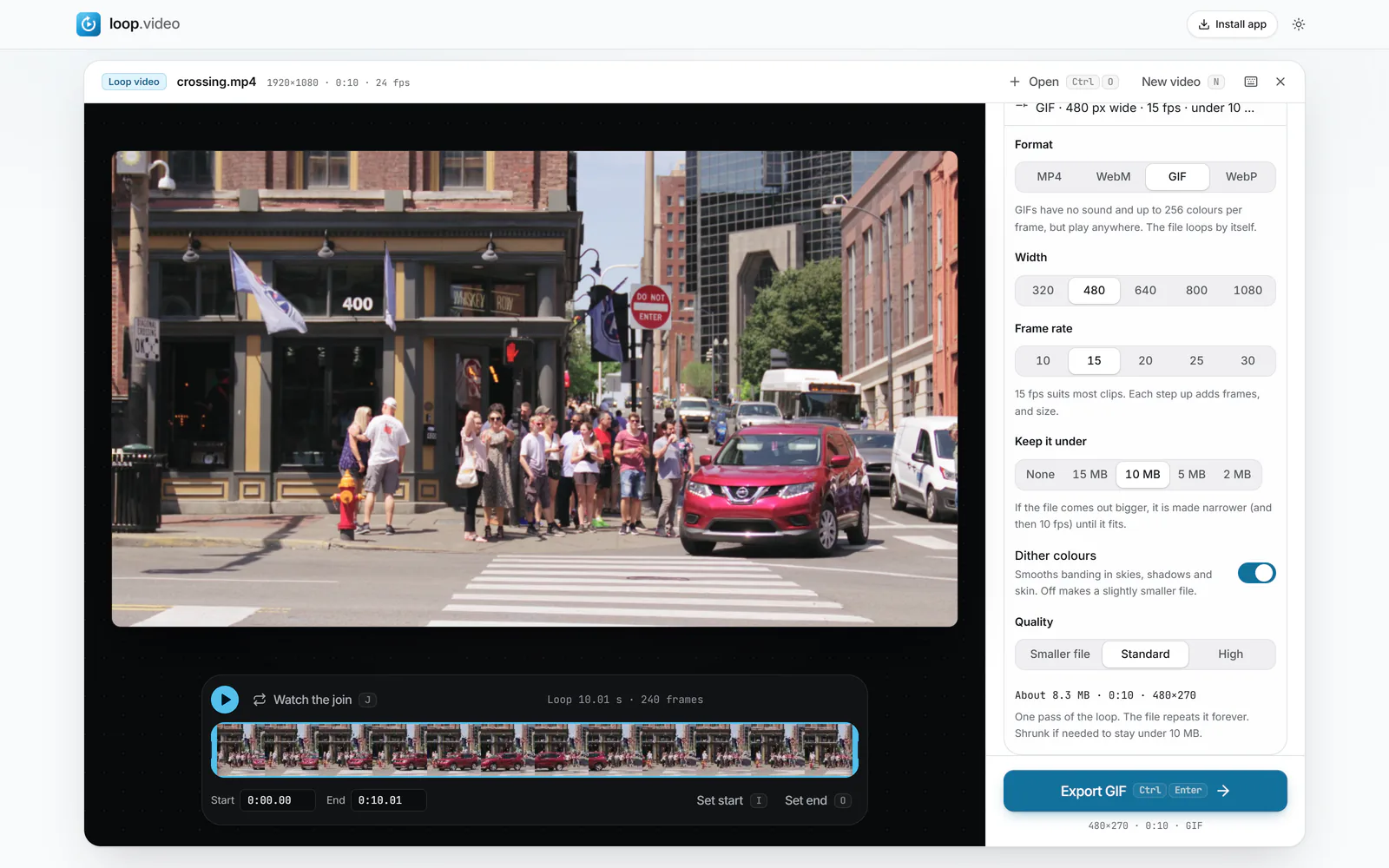
To convert an MP4 to a GIF, open the video here, drag the two handles under the preview around the part you want, and press Export GIF. The GIF is built in your browser, frame by frame, and loops forever unless you choose otherwise under Plays.
Every setting that decides how the GIF looks and how big it gets is in Export settings, which is already open: Width, Frame rate, Quality, Dither colours and Keep it under, a size limit that shrinks the GIF until it fits. There is no upload, no watermark and no account, and the same steps work for MOV and WebM files.
A GIF is a 1980s image format pressed into service as video, so converting well is mostly about trade-offs. The sections below explain which settings matter, what a high-quality GIF needs, and when an MP4 or a WebP would serve you better.